Contents - Index - Previous - Next
Select a vehicle or equipment profile
(To access this window: From the main window View menu, click Display Vehicle Profiles. )
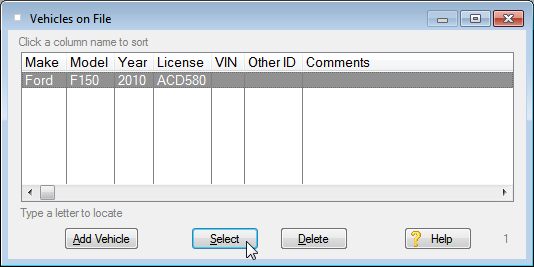
If you have already added vehicles or other equipment profiles, they will appear as shown in the sample window below.
To change an existing vehicle profile, click on a vehicle in the list and then click on the Select button. Or just double-click the vehicle in the list. An entry form appears titled 'Viewing vehicle profile information'.
Related Topics:
Adding a new vehicle profile to the database
Working with the vehicle profile data