Contents - Index - Previous - Next
Adding a vehicle or equipment profile
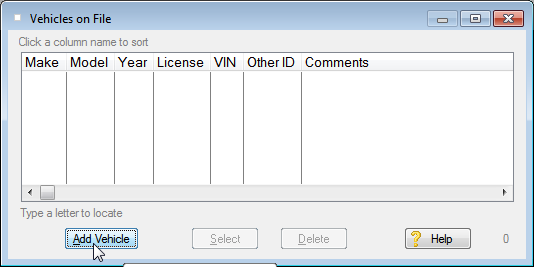
(If the Vehicles on File window shown below is not already displayed in the FleetVIP program, from the main window View menu click Display Vehicle Profiles. )
To add a new vehicle or other equipment, click the Add Vehicle button as shown in the example. An entry form appears titled 'Adding a new vehicle profile'.
Related Topics:
Changing an existing vehicle profile